Kiosk setup & configuration
Contact the Engineering Digital Service at eds@umd.edu to set up a kiosk, change its configuration, or move it to another space. Include your makerspace name, kiosk location, and a contact person.
Verify the kiosk after setup
-
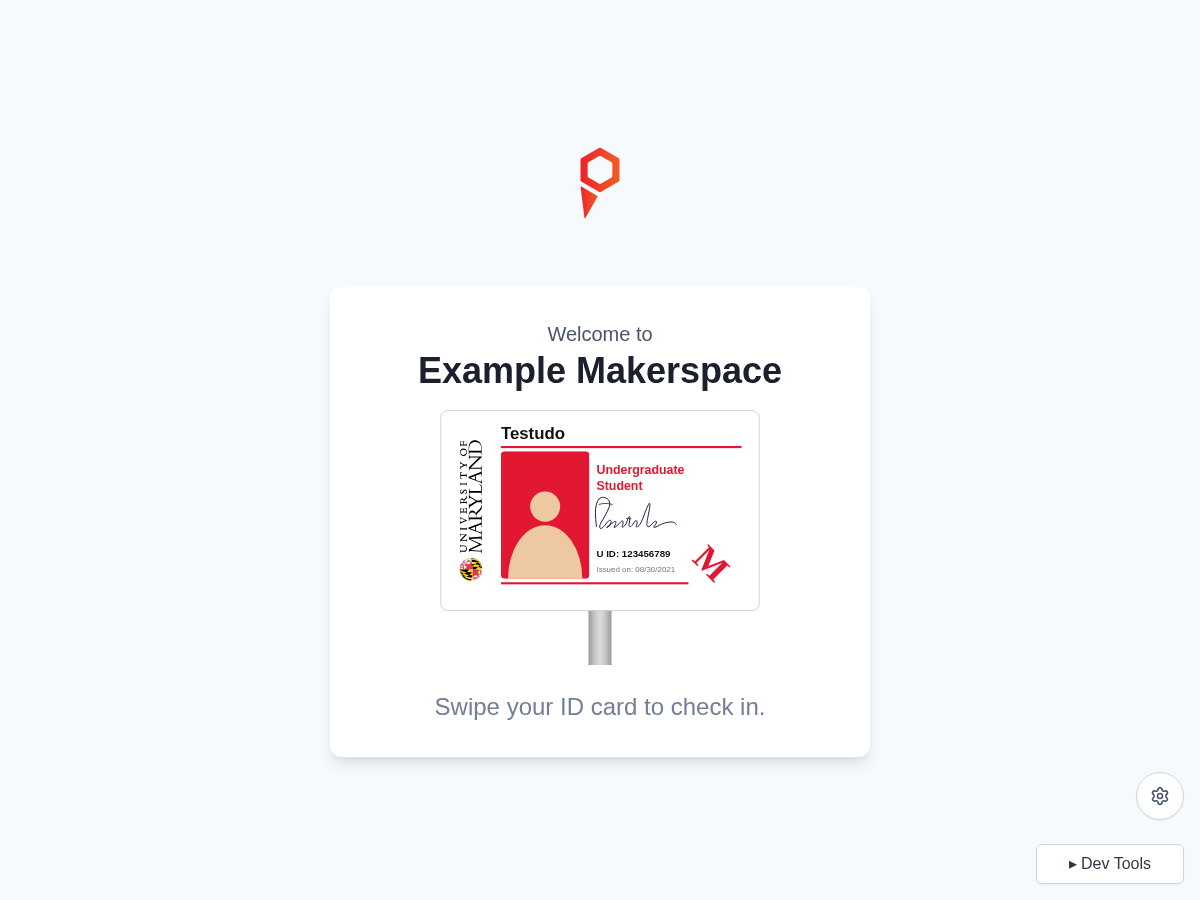
Confirm that the welcome screen shows your makerspace.
-
Swipe a UMD ID card and confirm that the user lookup completes.
-
Complete registration if prompted, then follow the check-in purpose and tool-selection steps enabled for the space.
-
Confirm that check-in completes and the kiosk returns to the welcome screen.
-
Swipe again and check out to end the test visit.
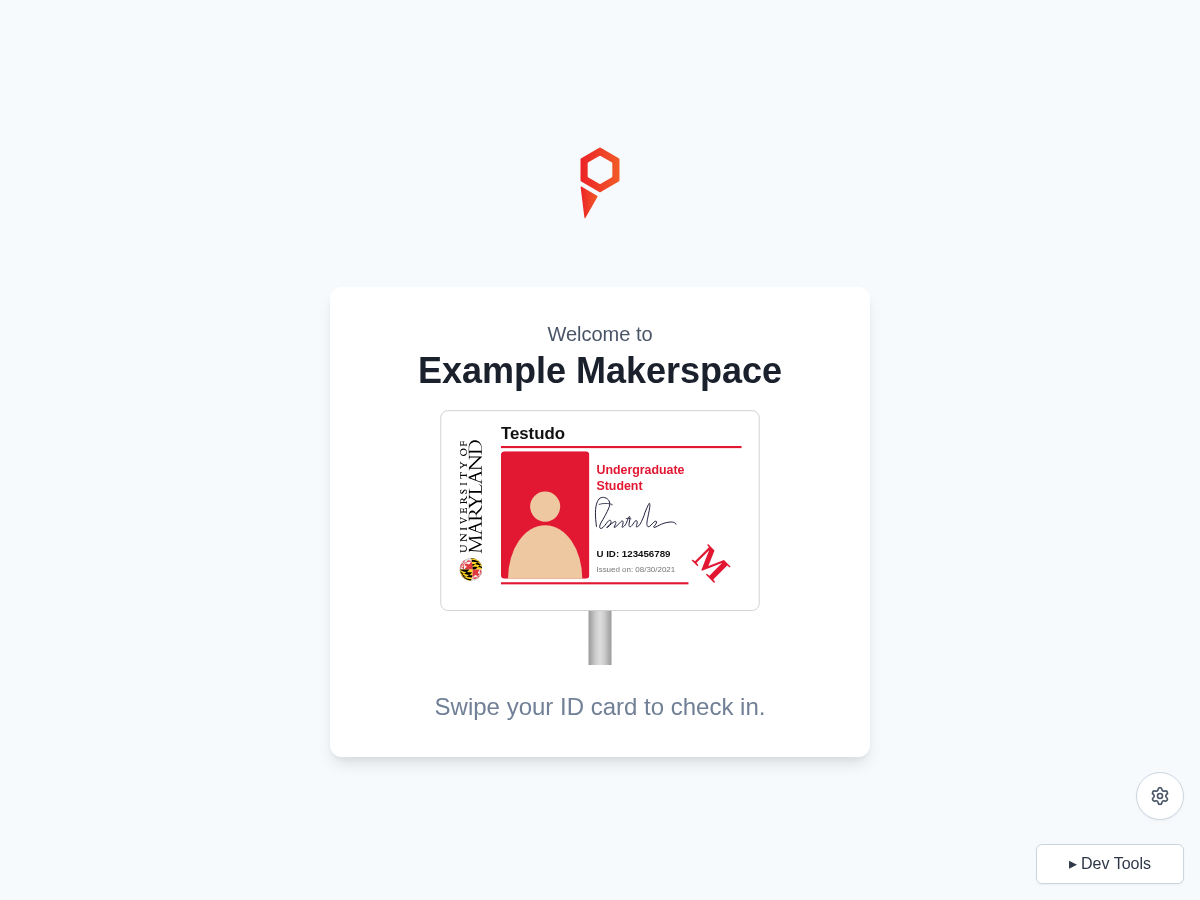
See the user flow for the check-in steps. If the kiosk shows the wrong space or cannot load, contact eds@umd.edu. For card-reader or display problems, see troubleshooting.