Kiosk overview
This section covers everything you need to know about Pinpoint kiosk terminals — what they are, the hardware they run on, and how they fit into your makerspace's access workflow.
What is a kiosk?
A Pinpoint kiosk is a self-service terminal that allows makerspace users to check in and out using their UMD ID card. Instead of logging in through a web browser, users simply swipe their physical UMD ID card at the kiosk — no username or password required.
Kiosks are typically placed near the entrance of a makerspace so users can check in as they arrive and check out when they leave.
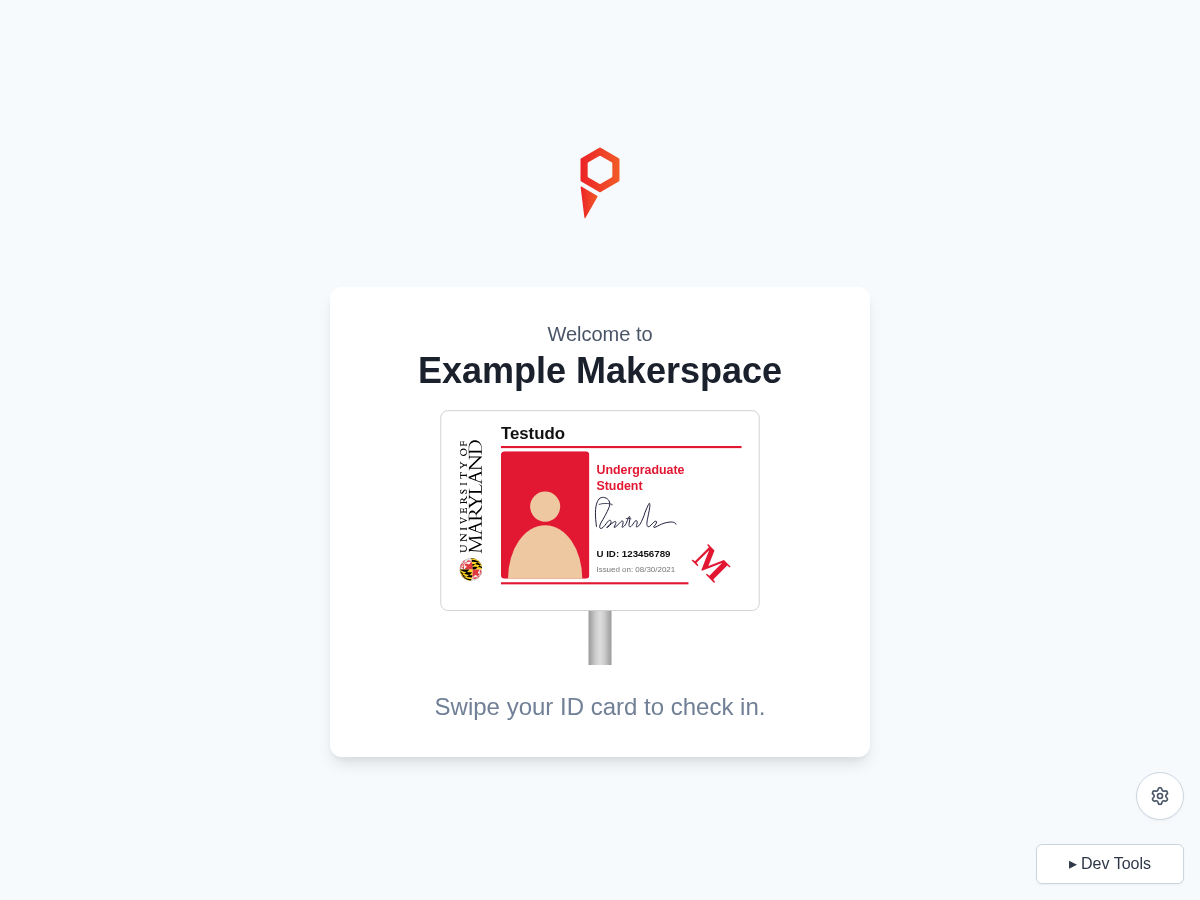
Hardware
Each Pinpoint kiosk consists of two components:
ELO touchscreen terminal
Kiosks run on ELO Android touchscreen terminals. These devices are pre-configured by IT and:
- Boot directly into the Pinpoint kiosk interface on startup
- Display in full-screen mode with no visible browser controls
- Support touch input for all on-screen interactions
USB magstripe card reader
An external USB magstripe card reader is attached to the ELO device. The reader:
- Accepts the magnetic stripe on the back of standard UMD ID cards (student and staff)
- Behaves like a USB keyboard — no driver installation required
- Automatically submits the card data when a card is swiped
Only the magnetic stripe on UMD ID cards is supported. Proximity/RFID tap cards are not currently supported.
Network requirements
Kiosks connect to the Pinpoint servers over a standard internet connection. No VPN or campus-specific network is required — any WiFi or wired connection with internet access will work.
Who manages what
| Task | Handled by |
|---|---|
| Kiosk setup and configuration changes | Engineering Digital Service |
| Day-to-day kiosk operation | Space staff |
| Restarting the kiosk app | Space staff |
| Hardware troubleshooting (device not powering on, reader not working) | IT |
Related guides
- Kiosk setup & configuration — request setup or configuration changes
- User flow — what users see and do at the kiosk
- Troubleshooting — common issues and fixes