Space settings
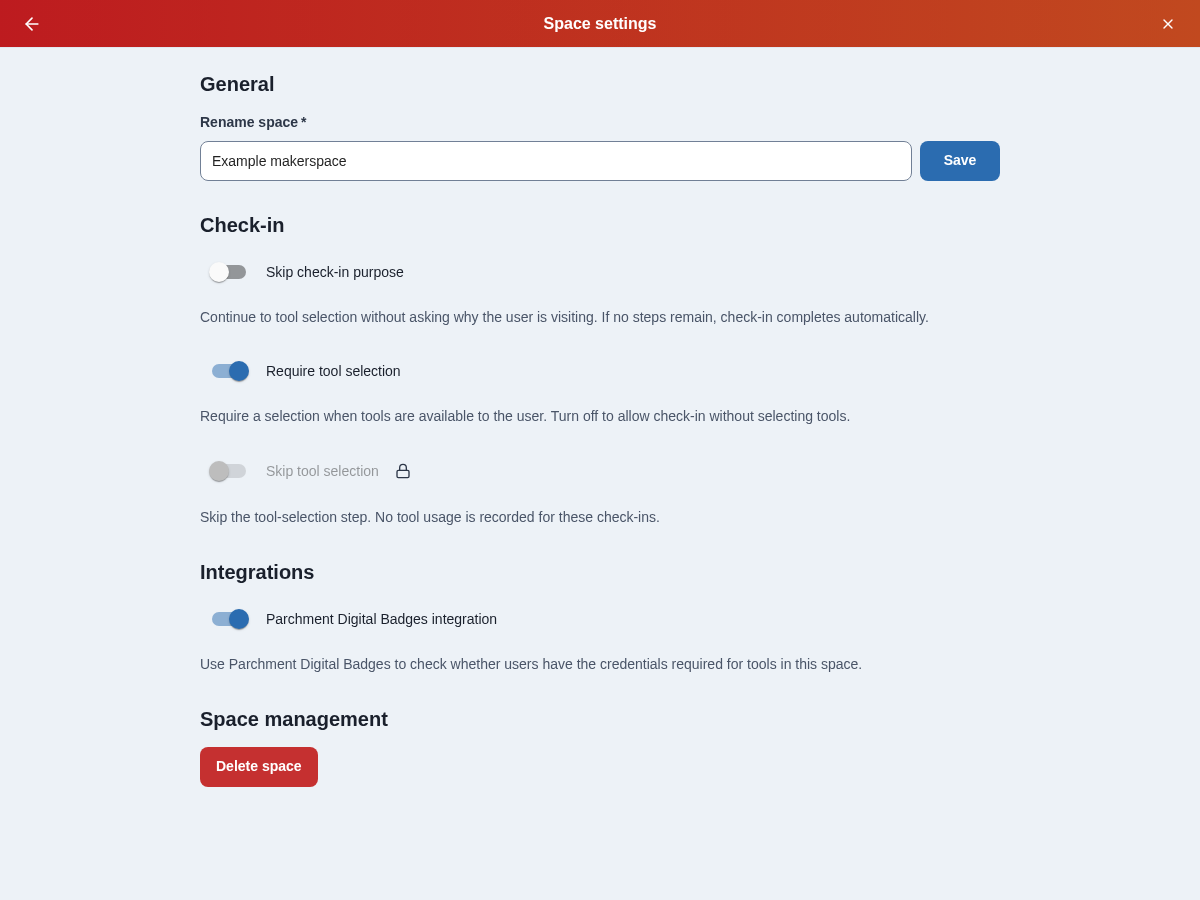
Open Adminland, select your space, then choose Space settings. The page groups controls under General, Check-in, Integrations, and, for super admins, Space management. Switches save immediately; a failed save keeps the previous setting and offers an error message.
Rename a space
Under General, enter the new name in Rename space and select Save.
Skip check-in purpose
Under Check-in, enable Skip check-in purpose to stop asking users why they are visiting. This is off by default. Your configured purposes remain available if you turn it off again.
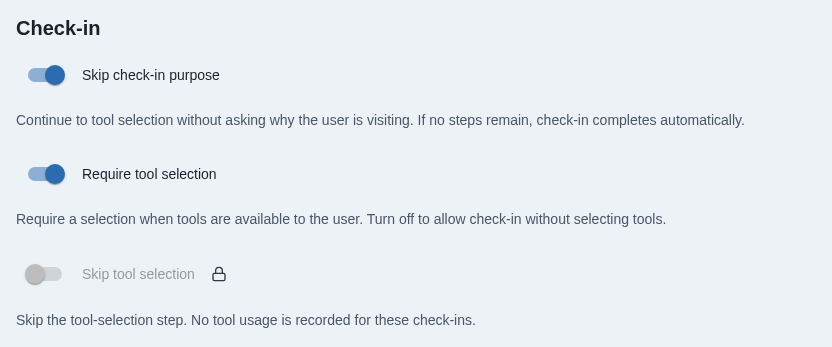
Users continue to tool selection when it is enabled and tools are available. The visit has no purpose or purpose-based session duration. If tool selection is also skipped, or no tools are available to the user, check-in completes automatically. An empty search or a failed request does not cause a step to be skipped.
If there are no active purposes, Pinpoint skips purpose entry even with this setting off. Later enabled steps still apply.
Require tool selection
Require tool selection is on by default. Users must select a tool if at least one is available to them across the full catalog. Turning this setting off lets users complete check-in without tools, while keeping the tool-selection page available.
When the requirement is on, Skip tool selection is turned off and locked. Hover over, focus, or tap the lock icon beside its label to see why it is locked and how to unlock it. Turning the requirement off leaves skipping off until you explicitly enable it.
Skip tool selection
For a space that only needs to record visits:
- Turn off Require tool selection.
- Enable Skip tool selection.
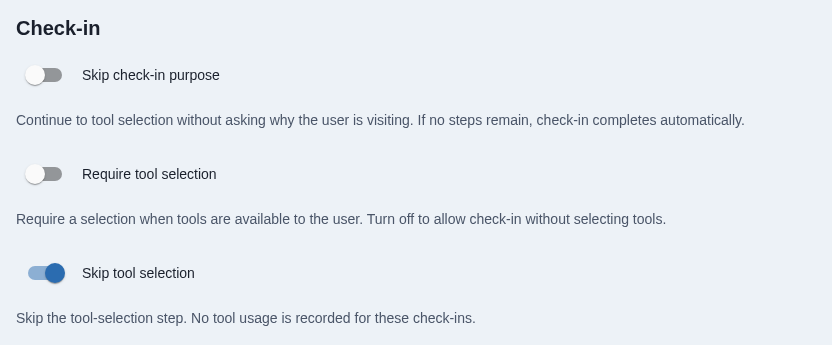
Users complete check-in on the purpose page, recording their purpose and session duration without tool usage. If purpose entry is also skipped, check-in completes automatically. Turn Skip tool selection off to restore the tool-selection step for later check-ins.
Integrations and space management
Under Integrations, use Parchment Digital Badges integration to enable or disable credential checks for the space. See Parchment Digital Badges setup.
Super admins can delete a space under Space management. Deletion requires a separate confirmation.